Overview
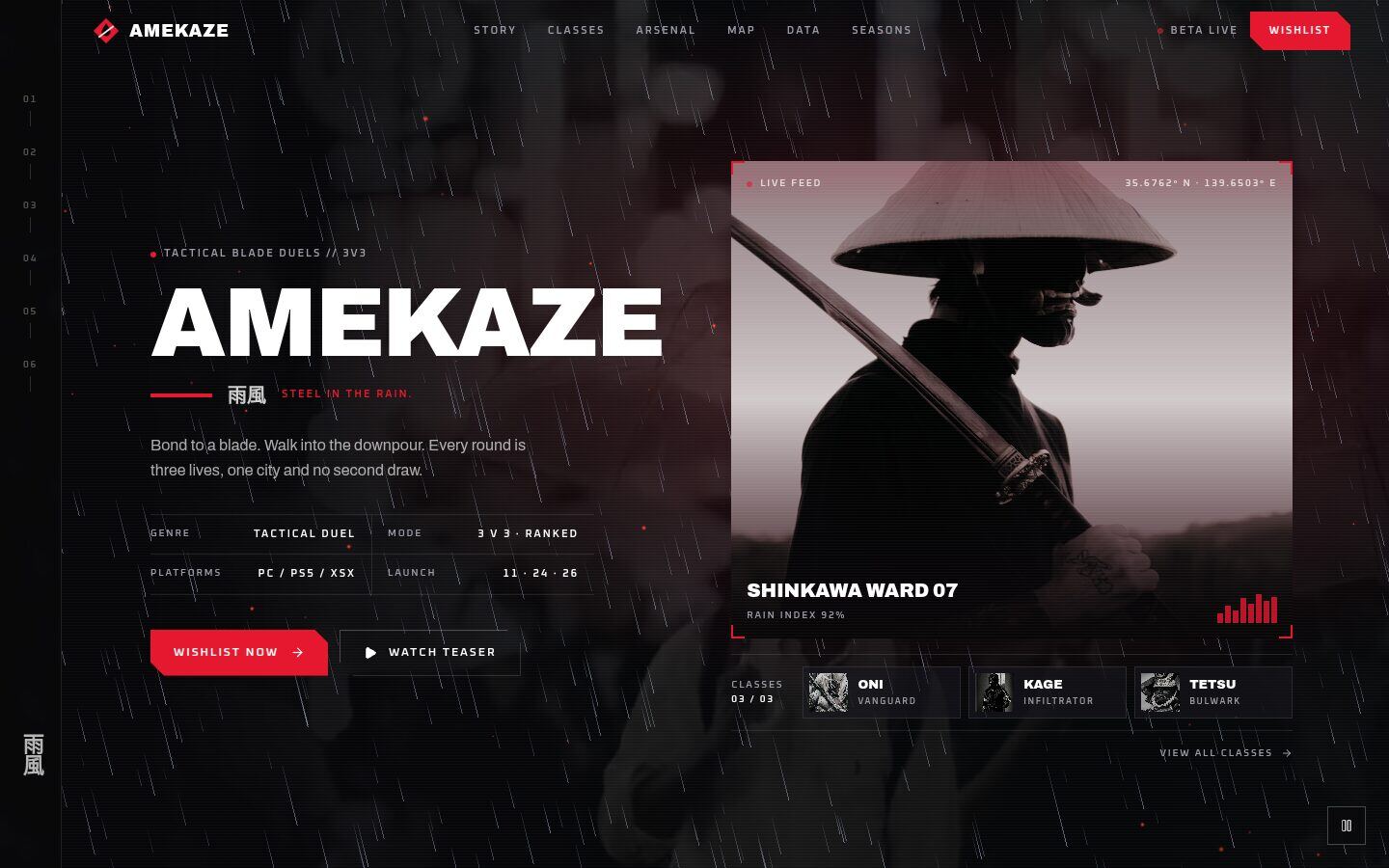
AMEKAZE is a cinematic, HUD-styled landing page for a game launch, an esports team or any entertainment drop. A graded rain video sits behind a giant title and a spec table, under a real-time three.js storm: thousands of rain streaks that lean with the cursor, drifting embers and lightning. A "live feed" card with corner brackets, scanlines and a sweeping scan line sells the world before anyone scrolls.
Below it, players can explore the game:
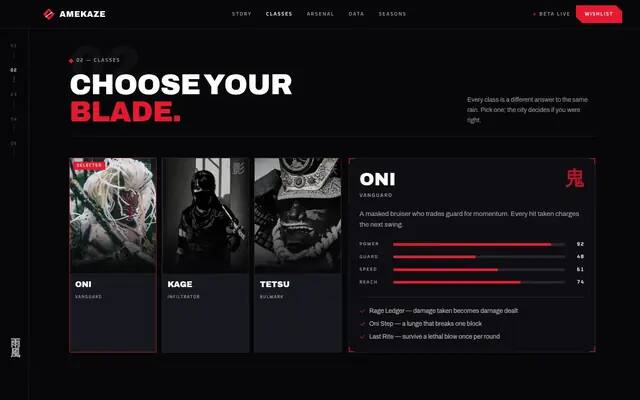
- a class selector that animates stats and abilities behind a blade-slash wipe
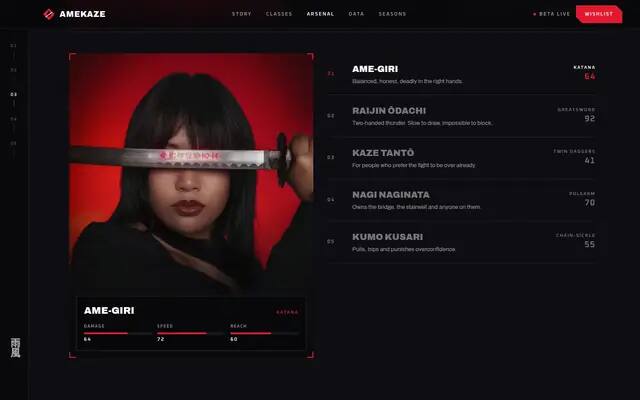
- an arsenal list driving a live weapon readout
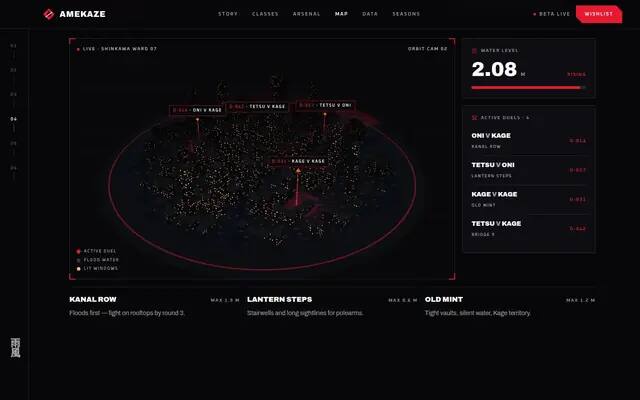
- a live 3D ward map: an instanced night city with flickering windows, flood water that rises and falls, and pulsing duel markers with HUD labels
- a hover-able telemetry chart with counting stat tiles
- a seasons roadmap
- a wishlist block with a launch countdown
A fixed side rail tracks the section in view on desktop.
Highlights
- three.js storm: wind-steered rain, embers and lightning
- Live 3D city map with flood water and duel markers
- Class selector with a blade-slash transition
- Weapon readout, hover chart and launch countdown
Screens
What's included
- Storm hero
- Side rail nav
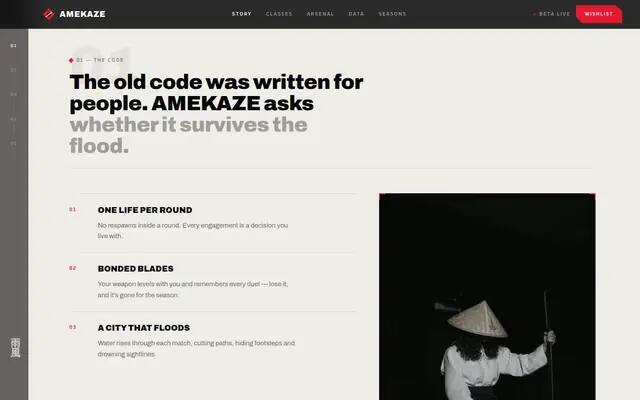
- Story
- Classes
- Arsenal
- 3D ward map
- Field data
- Seasons roadmap
- Wishlist countdown
Getting started
Install dependencies
npm installRun the dev server
npm run dev # http://localhost:5186Build the static site
npm run build # writes the site to out/
Deploying
npm run build produces a plain static site in out/ that runs on any static host.
License & credits
All photos and video are free Pexels media, credited in the README. The game, studio and figures are fictional. Swap the cosplay photos for your own key art.