Overview
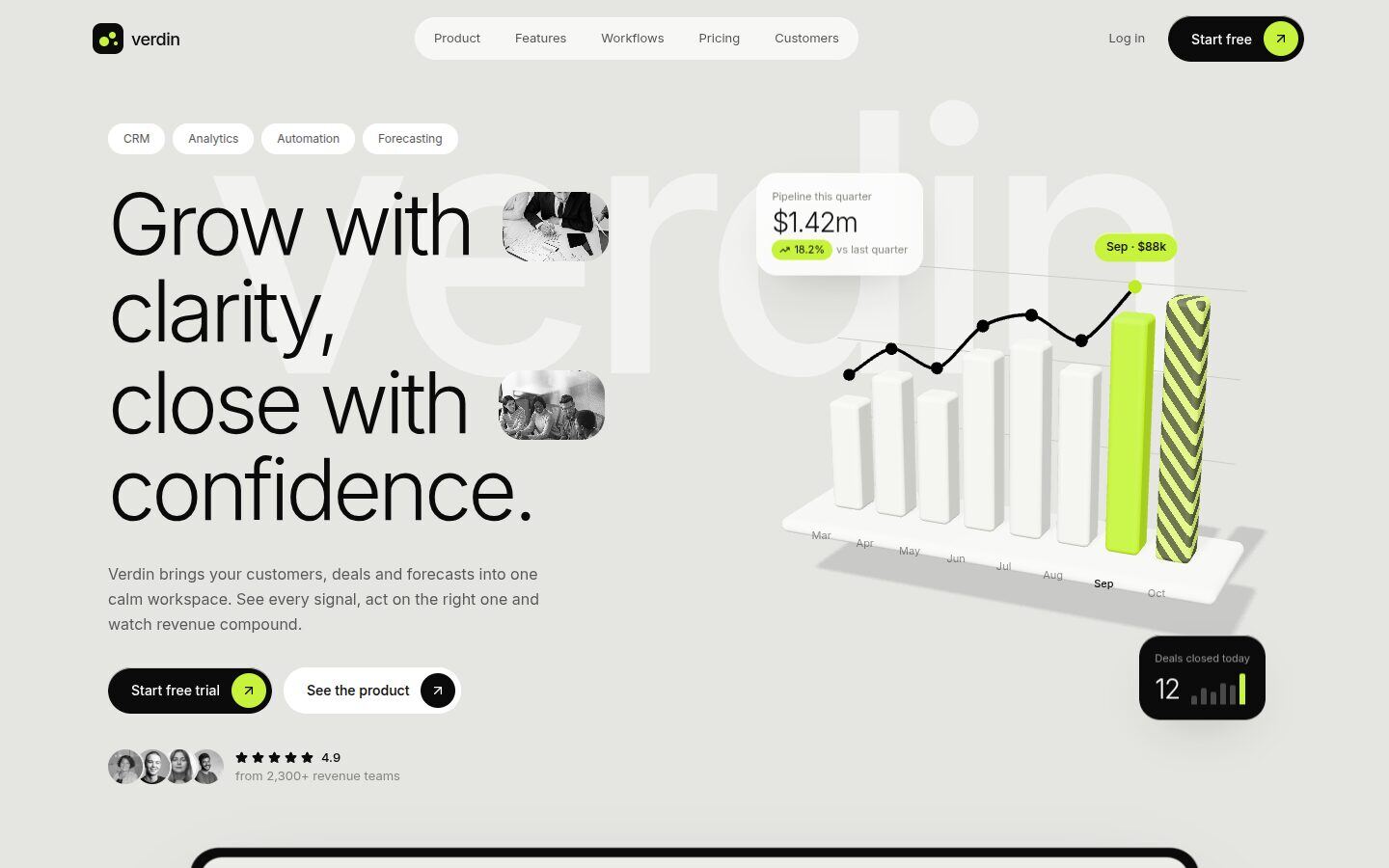
Verdin is a calm, product-led landing page for CRM, analytics and other B2B SaaS tools. Soft grey canvas, white cards, black type and one sharp lime accent. Headlines are set light and large, with small black-and-white photos tucked into the text.
The product is the hero, and almost everything moves:
- a three.js revenue chart: bars rise in one by one, a trend line draws across the tops, the forecast month is hatched, and hovering a bar lifts it and pins its value
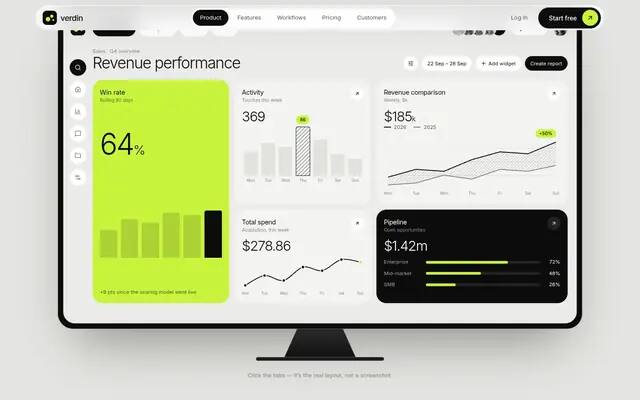
- a working dashboard mock-up in a monitor frame that tilts flat as you scroll in, with four real tabs (Dashboard, Analytics, Pulse, Data) built in HTML, not screenshots
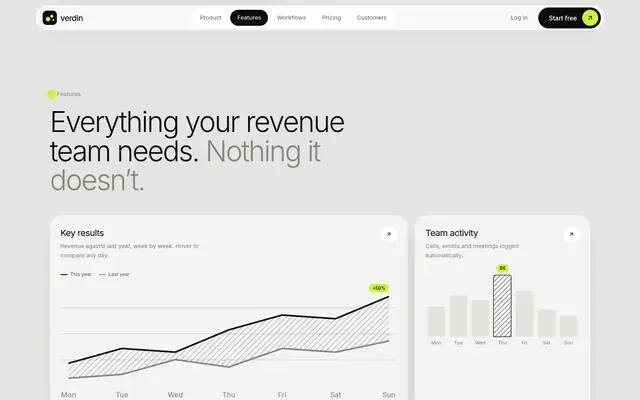
- hover charts throughout: comparison area, activity bars, trend line and a channel heatmap
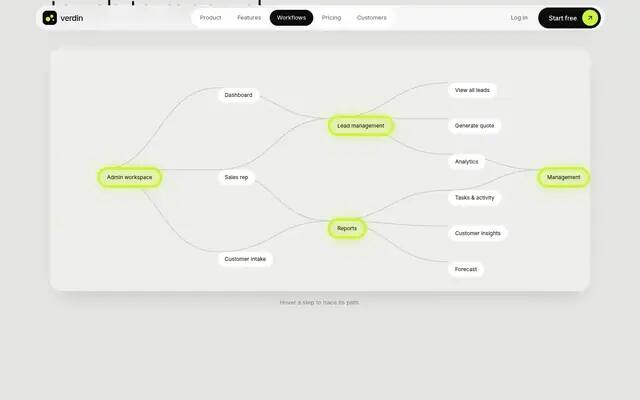
- a workflow map whose links draw themselves; hovering a step lights its paths
- an onboarding wheel that turns week by week, a problem/solution toggle and a monthly/yearly pricing switch
Highlights
- three.js bar chart: rising bars, trend line, hover values
- Interactive dashboard mock-up with four working tabs
- Hover charts, heatmap and a predictive-scoring panel
- Workflow map that draws itself, onboarding wheel, pricing toggle
Screens
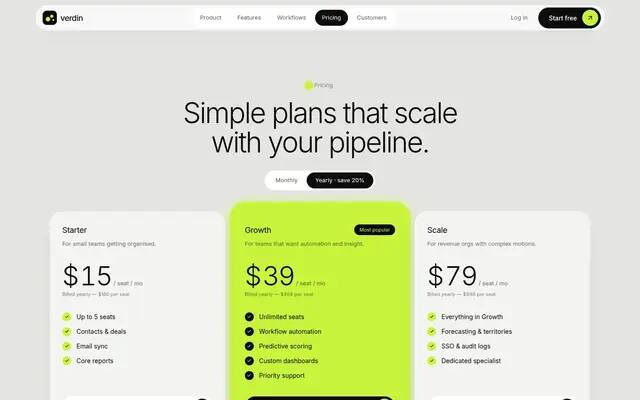
What's included
- 3D chart hero
- Product dashboard
- Logo marquee
- Stats & quote
- Feature bento
- Problem / solution
- Workflow map
- Onboarding wheel
- Pricing
- Testimonials
- FAQ
- Call to action
Getting started
Install dependencies
npm installRun the dev server
npm run dev # http://localhost:5188Build the static site
npm run build # writes the site to out/
Deploying
npm run build produces a plain static site in out/ that runs on any static host.
License & credits
Portraits and team photos are free Pexels images, converted to black and white and credited in the README. Customer names are fictional wordmarks set as text.