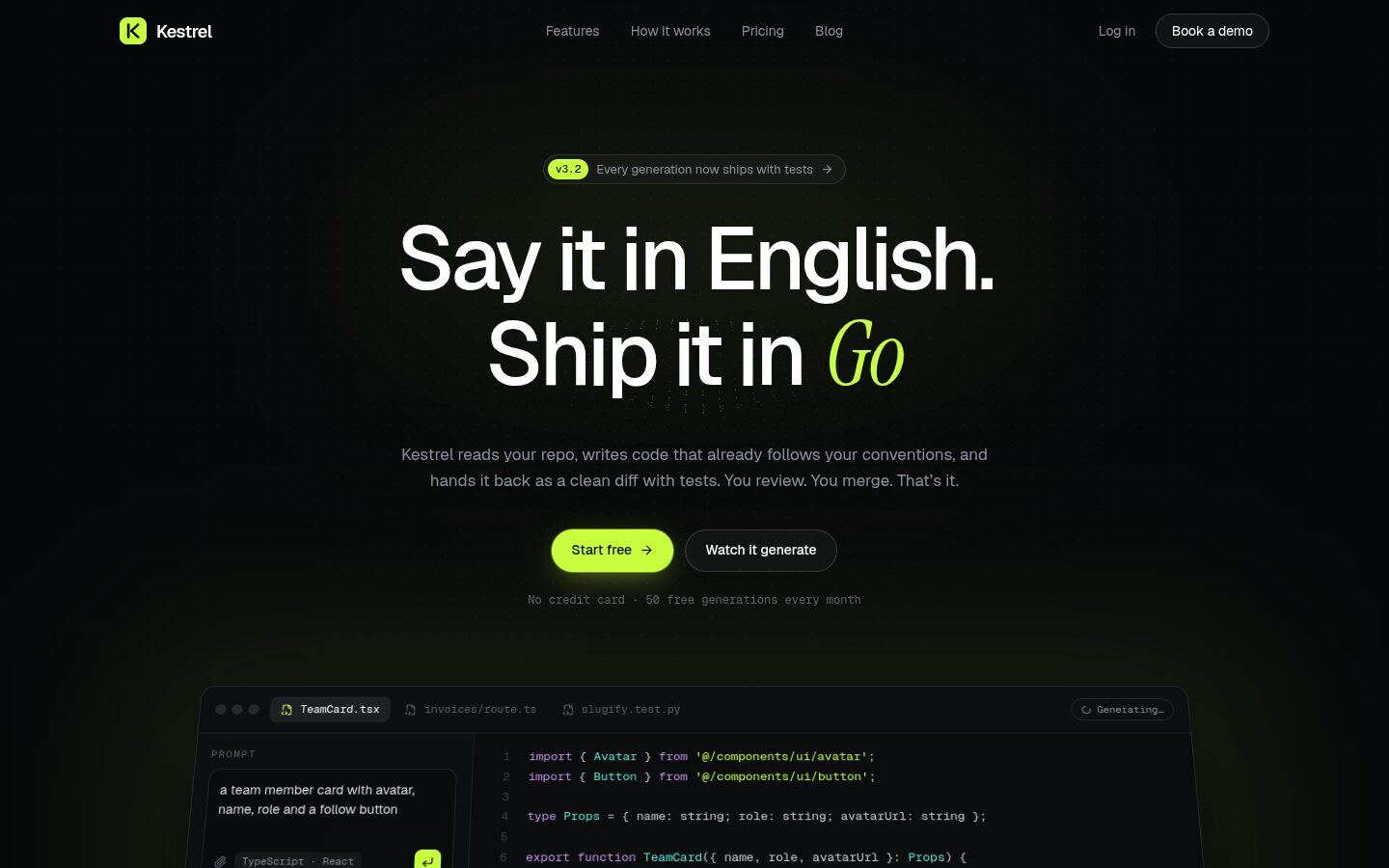
Overview
Kestrel is a dark, developer-first website for an AI coding assistant, a CLI or any API product. The hero has a three.js dot field that ripples under your cursor, behind an editor window that generates code live. A prompt types itself, code streams in with syntax highlighting, the checks tick off, and the demo moves on to the next example.
The rest of the page keeps showing the product working instead of describing it:
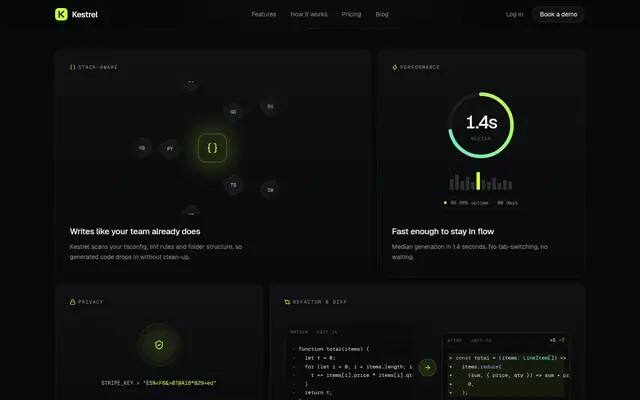
- language badges orbit a code core
- a secret key encrypts and decrypts itself
- a diff animates from messy JavaScript to typed TypeScript
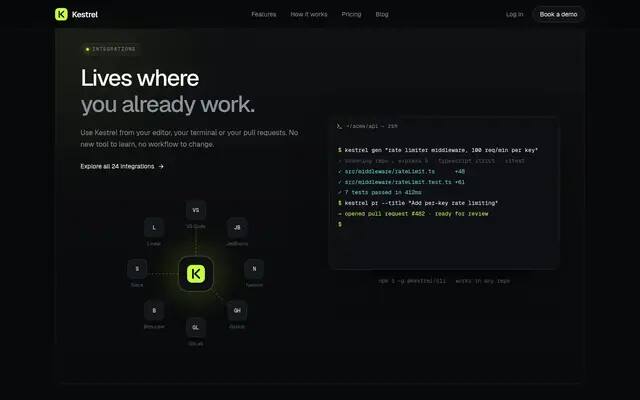
- a terminal types out a full CLI session that ends in a pull request
Highlights
- Hero editor that generates code live
- Cursor-reactive three.js dot field
- Typing CLI and integrations hub
- Blog with four pre-rendered posts
Screens
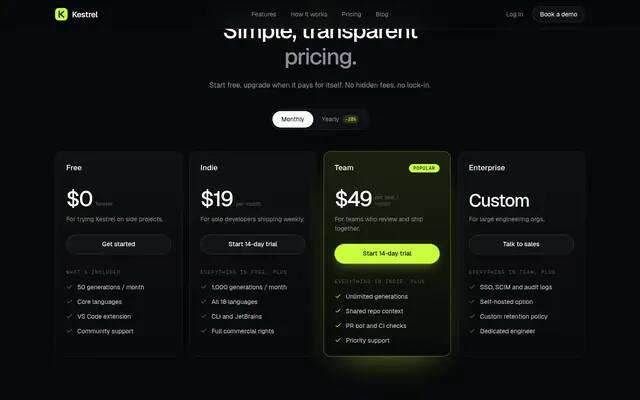
What's included
Pages
| Route | What it is |
|---|---|
/ | Full landing page |
/blog | Featured post and grid |
/blog/[slug] | Four pre-rendered articles with code blocks, quotes and related posts |
/404 | Terminal-style not-found page |
Sections
- Signal-field hero
- Live generate demo
- Logo marquee
- Capabilities bento
- Use cases
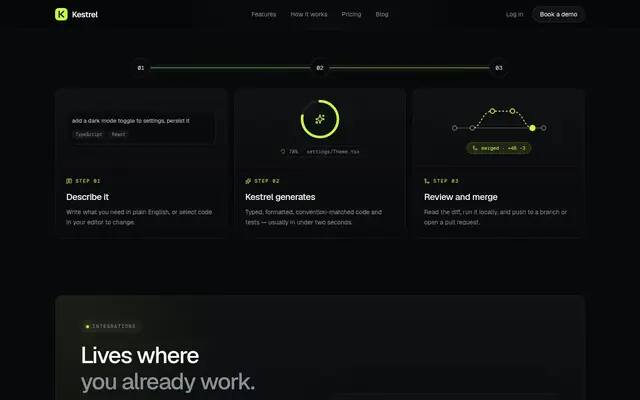
- How it works
- Integrations + CLI
- Testimonial wall
- Pricing
- FAQ
- Blog preview
- CTA
Getting started
Install dependencies
npm installRun the dev server
npm run dev # http://localhost:5182Build the static site
npm run build # writes the site to out/
Deploying
npm run build produces a plain static site in out/ that runs on any static host.
License & credits
Blog covers are Pexels photos credited in the README. People and companies are fictional, and testimonials use initials instead of photos.